
goGPS Drive in this scenario
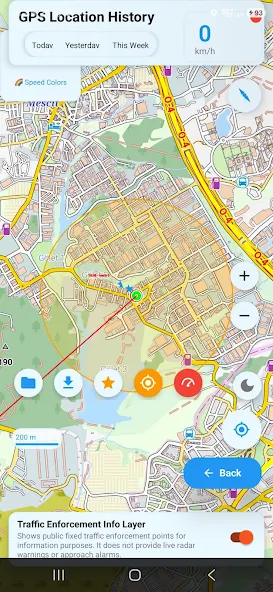
goGPS Drive can use a downloaded offline map and record GPS positions without mobile data. The phone’s GPS receiver determines location. For turn-by-turn offline navigation, prepare the required map, routing and voice data in advance and test with connectivity disabled. Live traffic, current charging information, remote cameras and Google Drive uploads need internet.
Step-by-step setup
- Download your travel region’s map while connected.
- For turn-by-turn guidance, also prepare routing data and offline voice data.
- Turn off internet and test the map, GPS and required navigation features.
- Review your route afterwards and complete sharing or backup when reconnected.
Before you start
Live traffic, current charging information, remote cameras and Drive uploads are not offline features. Check map coverage and GPS reception separately.
Setup checklist
- What you need
- An Android phone with location permission and location services enabled. Download the destination region while connected and leave enough free space for the download.
- Connection and access
- Viewing a downloaded map and recording GPS routes do not require internet. For turn-by-turn navigation, also prepare the required routing and offline voice data.
Check that it works
Before leaving, turn off Wi-Fi and mobile data while keeping location services on. Check that the downloaded region opens and your position updates under open sky. Record a short GPS track and reopen it from Recordings.
If something does not work
If the map is blank, check that the correct region was downloaded and opened. If your position does not update, check permission and GPS reception. A visible map does not mean navigation data is ready too. Live traffic and Drive backup need an internet connection.
See the app
Official video on this topic
Open the video on YouTubeFeature descriptions checked against the app source code on 30 October 2026; verify device and release compatibility on Google Play.